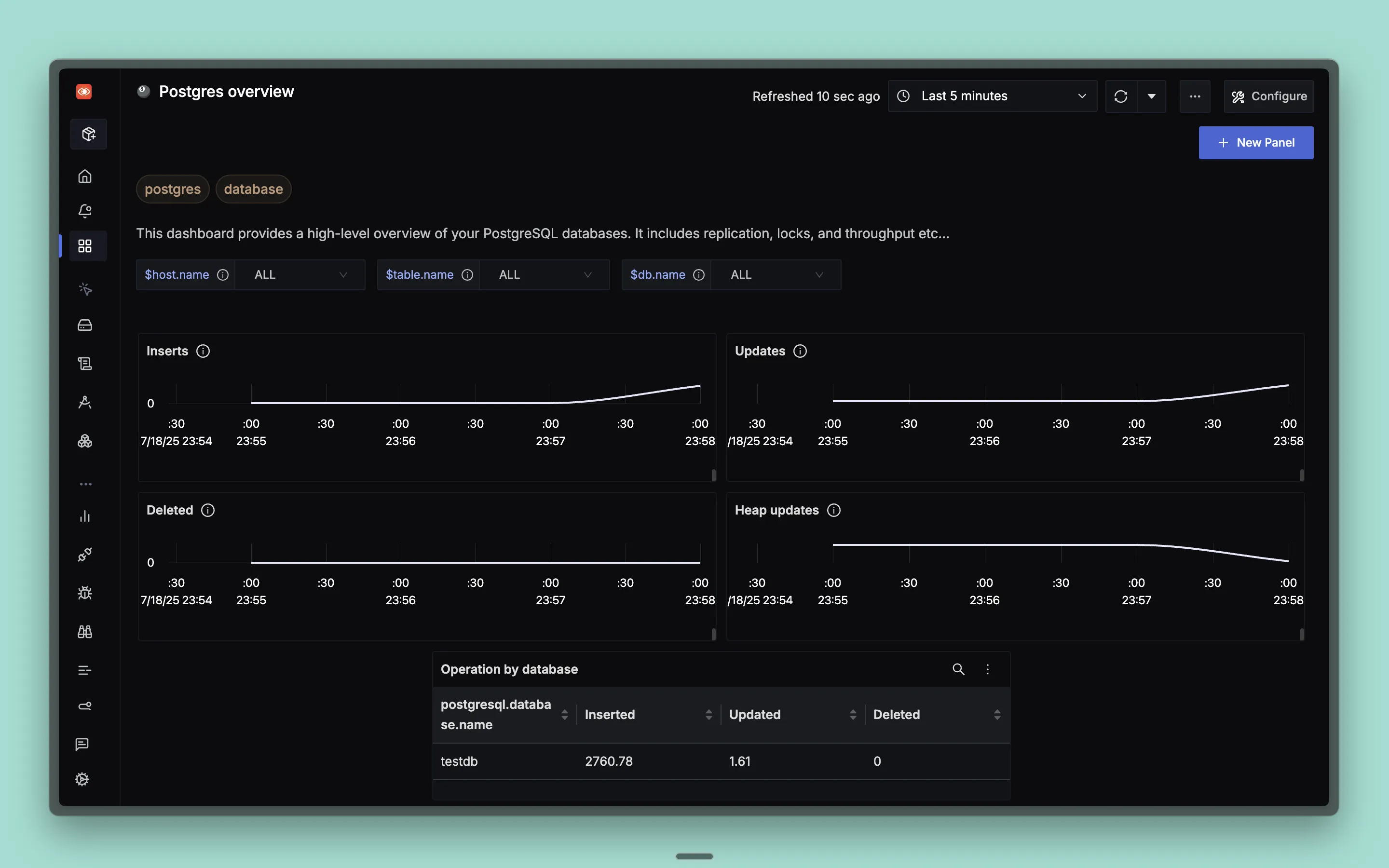
This dashboard provides a high-level overview of your PostgreSQL databases, including replication, locks, throughput, and comprehensive database performance metrics for optimal PostgreSQL monitoring and management.
Dashboard Preview
Dashboard JSON
Recommended. Uses the V2 dashboard schema and needs SigNoz v0.135.0 or newer.
Import it in SigNoz with Dashboards → + New dashboard → Import JSON. Import guide
What This Dashboard Monitors
This dashboard tracks essential PostgreSQL metrics to help you:
- Monitor Database Operations: Track insert, update, delete, and heap update operations
- Analyze Connection Management: Monitor database connections and backend processes
- Track Lock Activity: Monitor database locks and deadlock occurrences
- Table Performance: Monitor table statistics, dead rows, and live rows
- Index Efficiency: Track index scans and index performance
- Performance Optimization: Identify bottlenecks and optimize database performance
- Database Health: Monitor overall database health and throughput
Metrics Included
Operation Metrics
- Inserts: Shows average number of database insert operations over time by database
- Updates: Shows average number of database update operations over time by database
- Deleted: Shows average number of database delete operations over time by database
- Heap updates: Shows average number of database heap-only update operations over time by database
- Operation by database: Table showing insert, update, and delete operation counts grouped by database
Connection & Lock Metrics
- Connections per db: Shows number of backend connections per database over time
- Locks by lock mode: Shows number of database locks grouped by lock mode over time
- Deadlocks count: Shows rate of database deadlocks by database over time
Table & Index Metrics
- Dead rows: Shows number of dead rows across selected tables over time
- Index scans by index: Shows rate of index scans grouped by index name over time
- Table stats: Comprehensive table showing dead rows, live rows, index scans, and table size by table name
Dashboard Variables
This dashboard includes pre-configured variables for filtering:
- host.name: Filter by specific host sending PostgreSQL metrics (multi-select)
- db.name: Filter by specific database names (multi-select)
- table.name: Filter by specific table names (multi-select)


